Designed by default
Auto color-matched insets, restrained gradients, real window and browser frames, platform-perfect sizes. The first result is post-worthy before you adjust a thing.
Native macOS app
The last screenshot app you'll ever need.
Three days, every feature. No card, no account.
New in Frame 1.2
Frame is a macOS app. Choose an App Store preset for macOS, iPhone, or iPad to export an exact-size PNG for your listing.
The whole point
Frame reads your screenshot, picks a background that suits it, sets the inset and shadow, and frames it. The first result already looks designed.
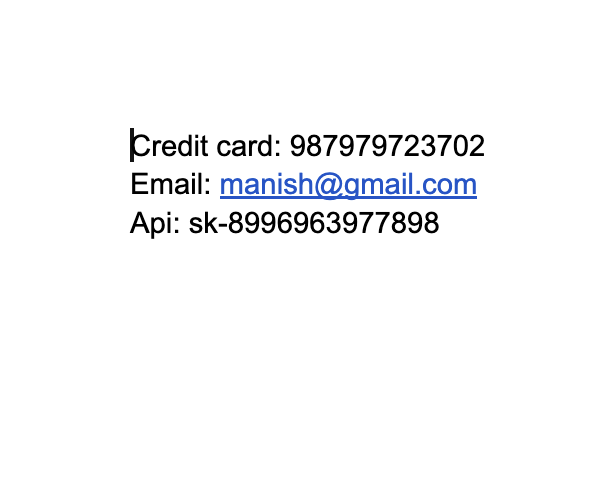
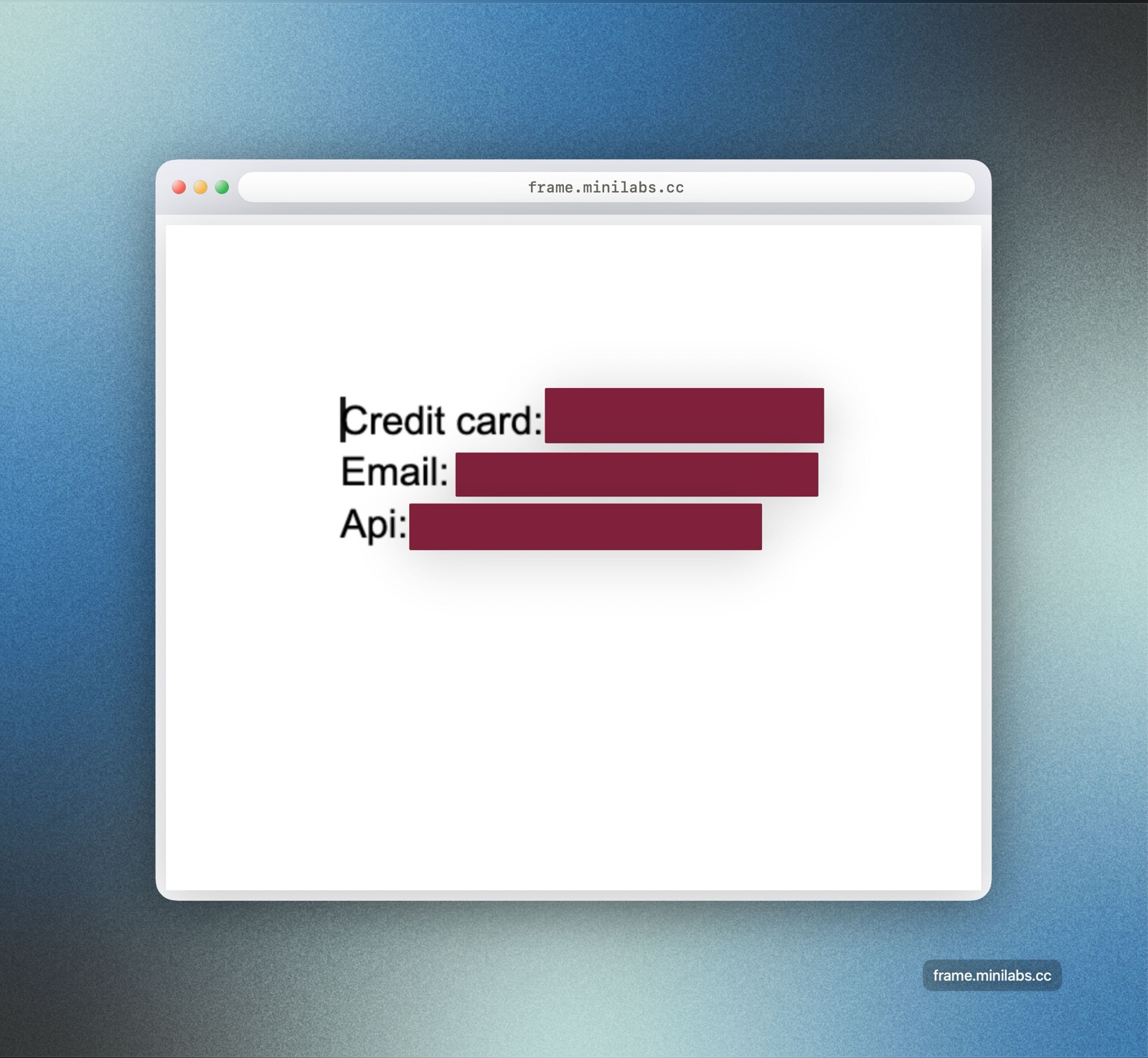
Auto color-matched insets, restrained gradients, real window and browser frames, platform-perfect sizes. The first result is post-worthy before you adjust a thing.
One global shortcut grabs the shot and lands it on your clipboard, already framed, in about two seconds. Tools switch with single keys, no mode-soup.
Capture, detection, redaction, and beautify all run on your Mac. Frame only touches the network to check for updates or validate a license.
Beautify
One canvas, one inspector. Start from the automatic look, then take it anywhere.
Detects the screenshot's dominant edge color and melts the window into the background. The signature trick, on by default.
Gradient, mesh, solid, image, or transparent, with 19 curated presets and your live macOS wallpaper. Add grain, dots, grid, or diagonal lines when you want them.
Plausible macOS chrome and a browser bar with an editable URL. Real radii, 12 px traffic lights, no oversized fakes.
Tune padding, inner inset, corner radius, and a soft drop shadow. Everything scales cleanly with the export.
Auto, custom, 4:3, 3:2, 16:9, 1:1, social presets, and App Store listing presets for macOS, iPhone, and iPad screenshots.
Text, arrows, lines, rectangles, ellipses, highlight, numbered steps, and crop. Switch tools with single number keys.
Save a whole look, including background, frame, and sizing, then reuse it on the next shot. Stored locally on your Mac.
Copy, save, or drag straight into Slack, Mail, or Finder. Export PNG or JPG, @2x retina, social presets, or App Store listing screenshots in one step.
Global shortcuts for an area, a window, or the full screen, with a live loupe while you drag. Re-capture the last region in one keystroke, or paste and drop any image.
Pull text out of any screenshot with on-device OCR. Select it on the image, or capture a region straight to the clipboard. Nothing is uploaded.
A few of the 19 background presets
The loop
Hit a global shortcut for an area, a window, or the full screen. Or paste and drop any image.
Frame auto-insets, color-matches, picks a background, and sizes it. Adjust anything live.
Add arrows, text, and numbered steps. Sensitive data is found and covered automatically.
Copy, save, or drag out. Redactions are baked in. Nothing leaves your Mac unless you share it.
Private by default
Sharing a screenshot of your app, your terminal, or your inbox often means leaking something you didn't notice. Frame finds it and covers it for you, and the detection, redaction, and beautify all happen on your Mac. Nothing is uploaded.
Detection is approximate. Always check your screenshot before you share it.
No subscription
Pay once. Use every feature. No account, no recurring charge.
$5
one payment
$25
one payment, forever
$42.50
one payment, forever
Questions
The version you have keeps working. If a new major version ships and you want it, you can buy a fresh license then. There's no forced renewal and no feature lock-out on the version you own.
No. Download, run the trial, and paste a license key to own it. No login, ever.
One device on the One-Year license, five licenses on Lifetime Updates. Moving to a new Mac is one click. Deactivate on the old one to free the slot.
Yes. Capture, detection, redaction, and beautify all run locally with Apple Vision and on-device processing. Frame only reaches the network to check for updates or validate a license. Your screenshots never leave your Mac unless you share them.
Yes, within 7 days, no questions asked. Email support@minilabs.cc and we'll take care of it. There's also a free 3-day trial first, so you can be sure before you buy. Checkout and refunds run through Polar as merchant of record.
Just Screen Recording, so Frame can capture your screen. Grant it in System Settings, Privacy & Security, Screen Recording. The macOS dialog reads "screen and audio", but that's Apple's standard wording: Frame never records audio. See the support page for a walkthrough.
Frame captures directly so a shortcut lands the shot on your clipboard in about two seconds, without the system picker each time. Click Allow to enable it. This prompt is expected on macOS Sequoia and later, and nothing leaves your Mac.
After checkout, Polar (our payment gateway) emails your license key.
Two ways to activate:
Your key is always in Polar's customer portal.